7 Things Wasting Storage You Do Not Know About
7 Things Wasting Storage You Do Not Know About. Actionable tips and tricks for managing your Apple device storage.
Quick Summary
- Use PX Cleaner for AI cleanup — The fastest way to find and remove junk photos, duplicates, and blurry shots
- Enable Optimize Storage — Let iCloud keep originals while your device stores space-saving versions
- Switch to HEIF format — Cut photo file sizes in half with no quality difference
- Offload unused apps — Automatically remove apps you rarely use while keeping their data
- Clear app caches regularly — Social media apps cache gigabytes of data you have already viewed
- Delete old screenshots — Screenshots pile up fast and rarely need to be kept long-term
- Manage message attachments — Years of iMessage photos and videos add up to several gigabytes
- Empty Recently Deleted — Deleted photos still consume storage for 30 days
- Review large videos — A single 4K video can be over 1GB
- Schedule weekly cleanups — Prevention is better than emergency cleanup when storage is full
The #1 Tip: Use PX Cleaner
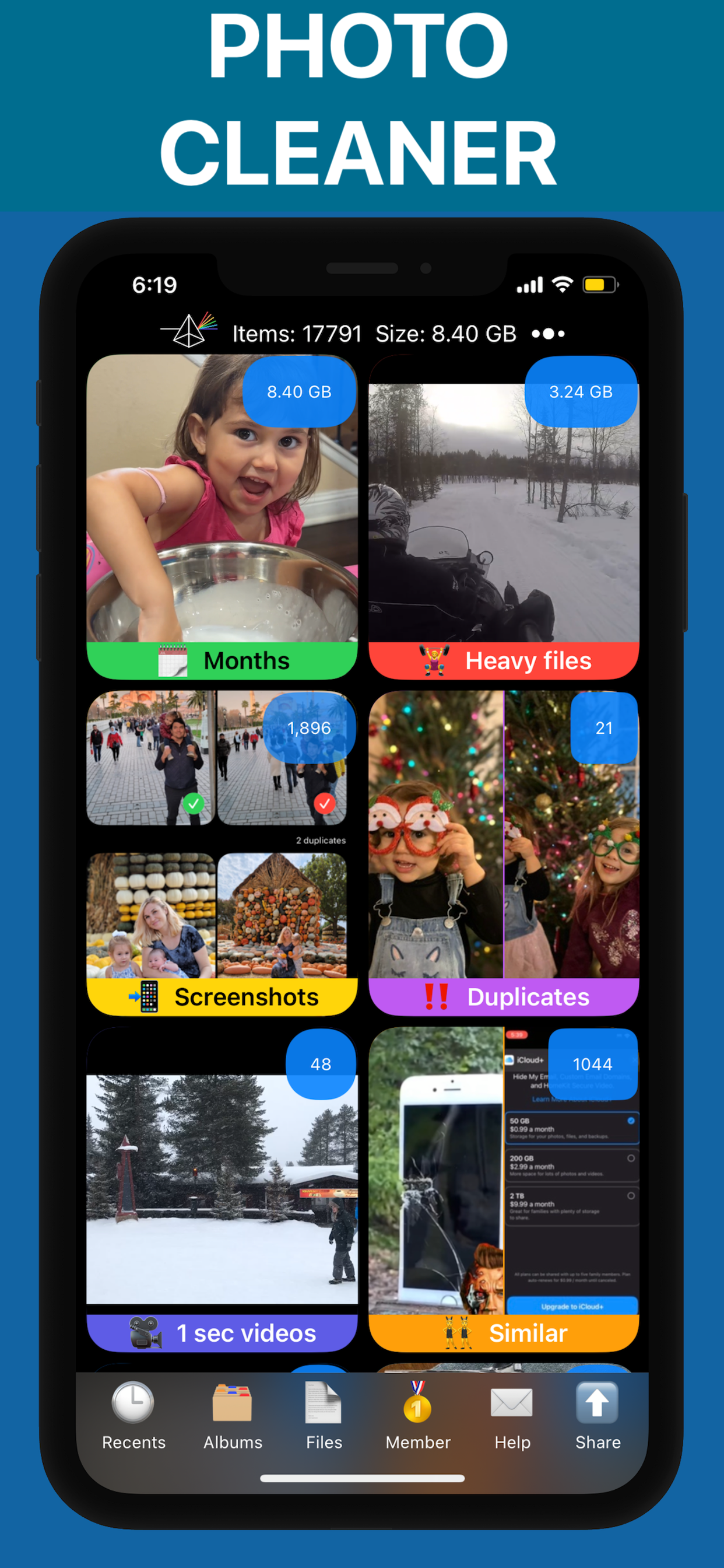
Every tip on this list becomes easier with PX Cleaner. Its AI automatically identifies the storage wasters, and the swipe interface makes cleanup fast and even enjoyable. Download it free from the App Store and try it today.
Why PX Cleaner for your device?
AI-Powered
Machine learning detects duplicates, blurry photos, and similar shots automatically.
Swipe to Clean
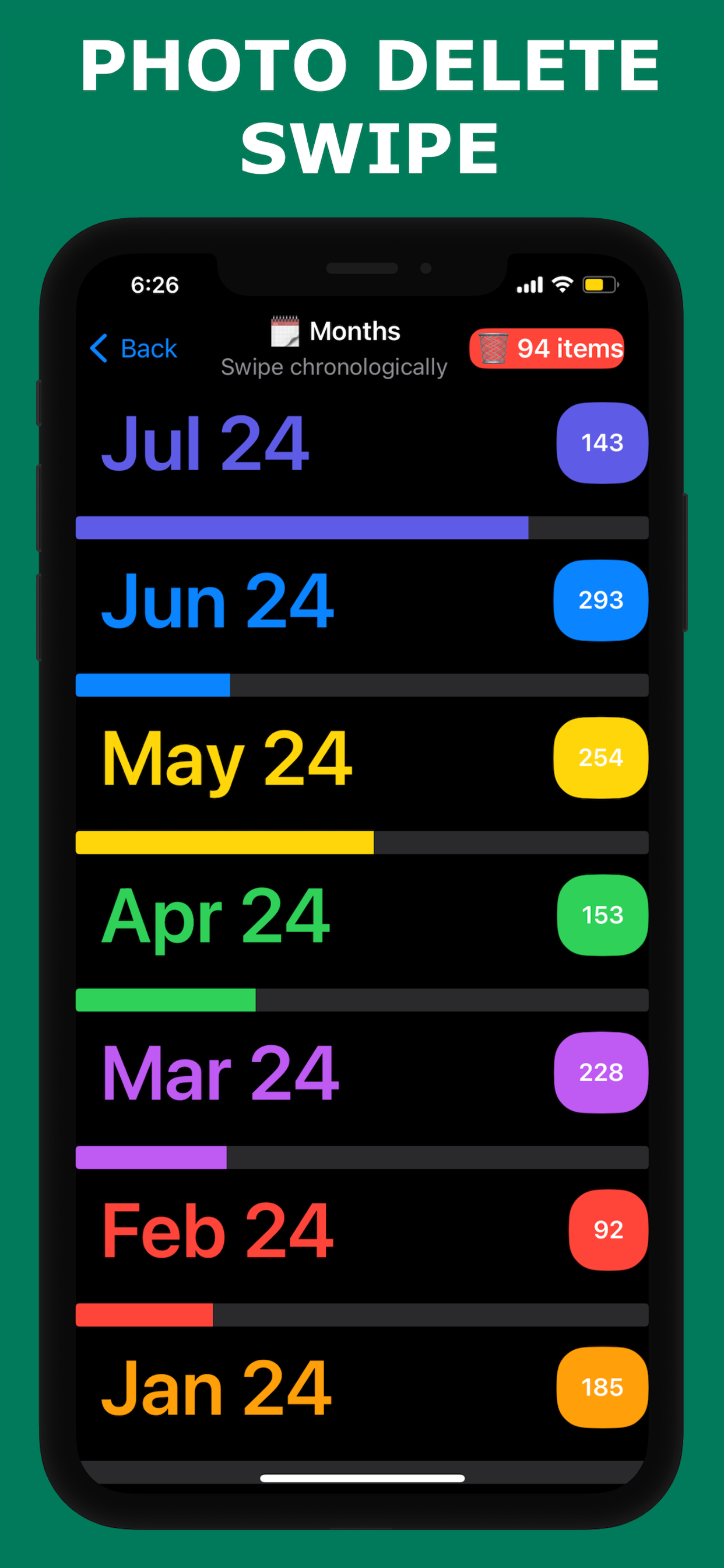
Tinder-style interface makes cleanup fast and intuitive.
100% Private
Everything happens on-device. No photos are uploaded anywhere.
Lightning Fast
Full library scan in 1-3 minutes. Clean up in under 10 minutes.
Frequently Asked Questions
Using PX Cleaner to clean photos typically frees up the most space — 5-20GB for most users. Photos are almost always the #1 storage consumer.
Do a quick PX Cleaner scan weekly (5 minutes) and a thorough cleanup monthly (15-20 minutes) for optimal results.
See PX Cleaner in Action