Storage Management on iPhone 13 with iOS 17
iOS 17 introduced several storage management improvements for the iPhone 13. However, the update itself requires free space and may change how storage is allocated.
After updating to iOS 17, many iPhone 13 users notice changes in their storage usage. System files may grow, app compatibility updates download automatically, and cached data from the update process may linger.
How to Clean Storage After iOS 17 Update
Check Storage After Update
Go to Settings > General > iPhone Storage. After updating to iOS 17, the storage breakdown may take a few minutes to recalculate.
Remove Update Files
Old update installation files may still be on your iPhone 13. Check for and delete any remaining update data.
Clean Photos with PX Cleaner
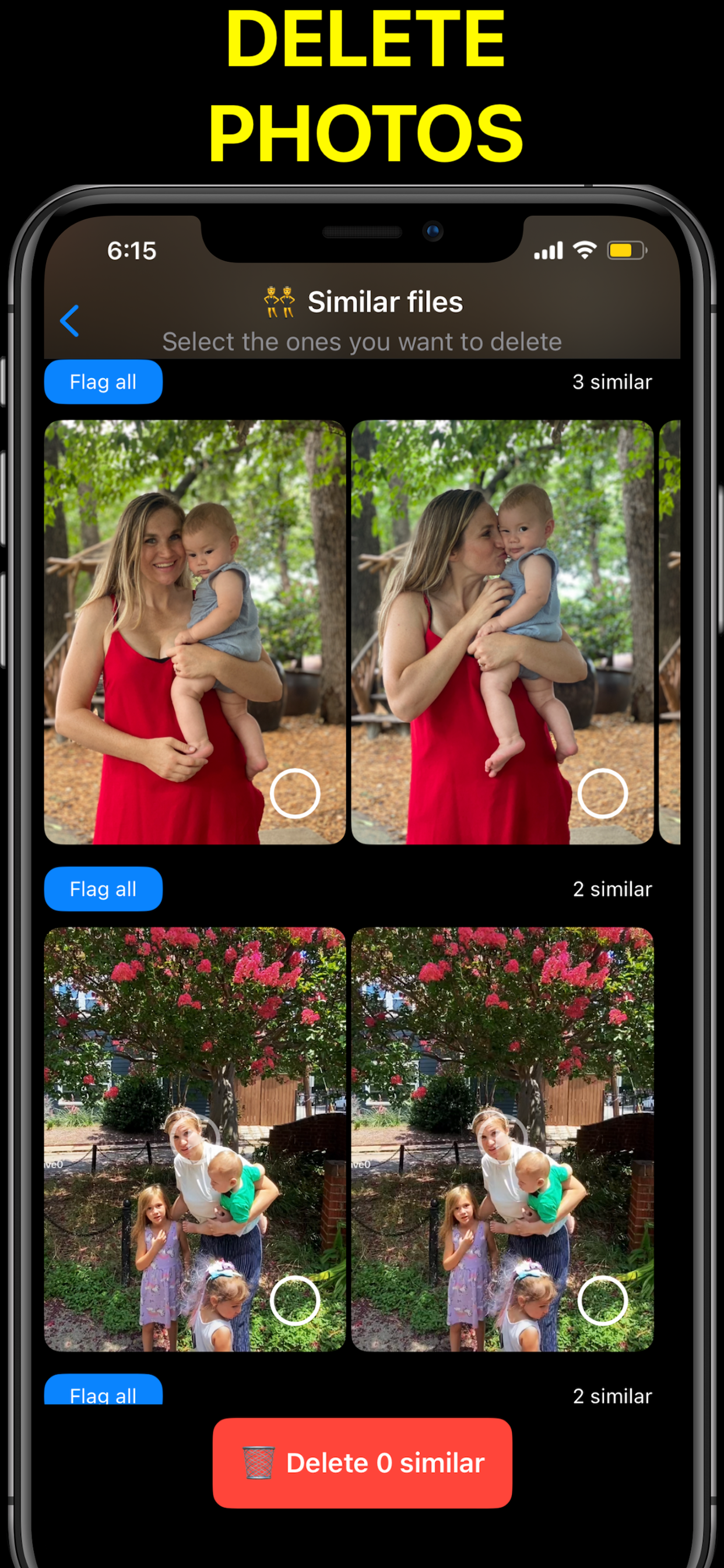
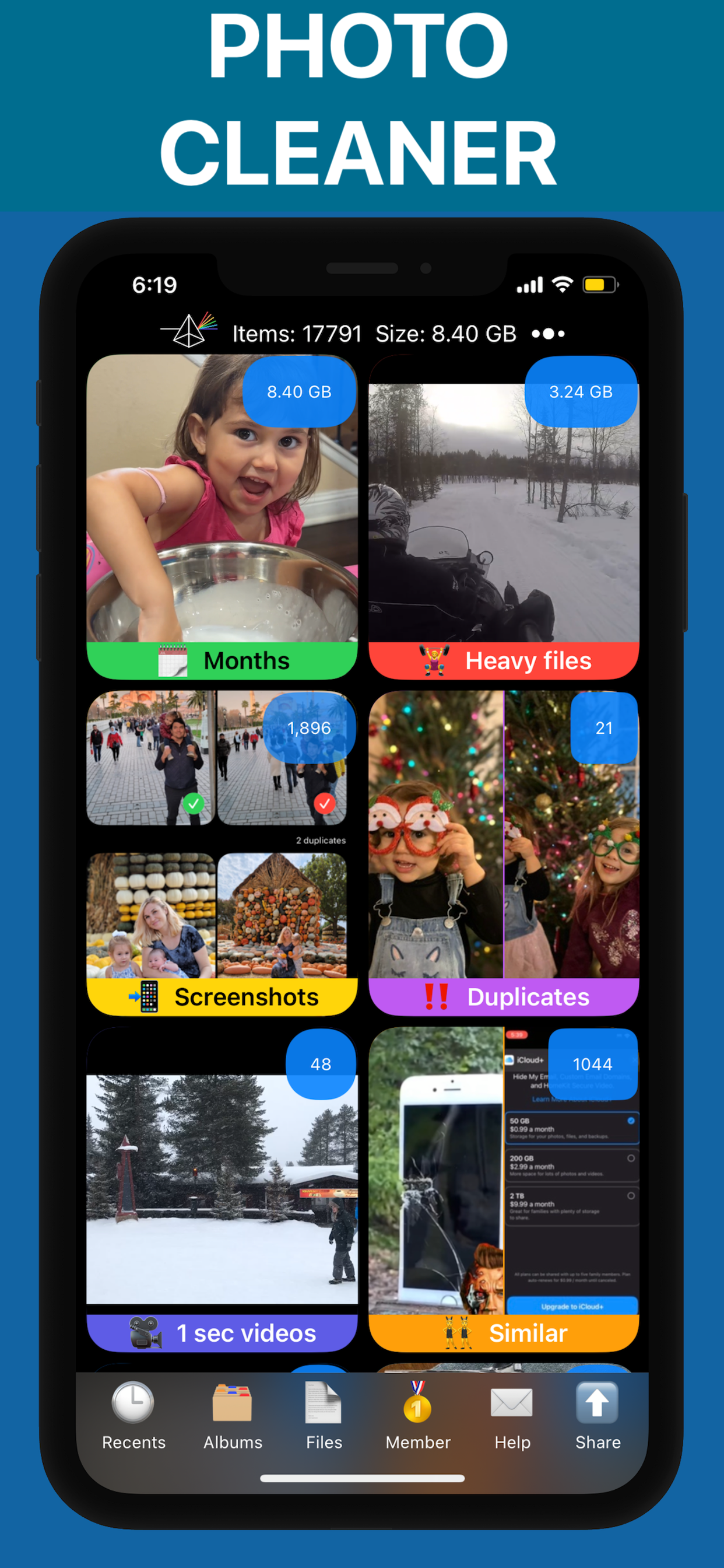
Run PX Cleaner to scan for duplicates, blurry photos, and large files that accumulated before and during the update.
Restart Your Device
A restart after updating to iOS 17 clears temporary caches and helps the system optimize storage.
Why PX Cleaner for iPhone 13?
AI-Powered
Machine learning detects duplicates, blurry photos, and similar shots automatically.
Swipe to Clean
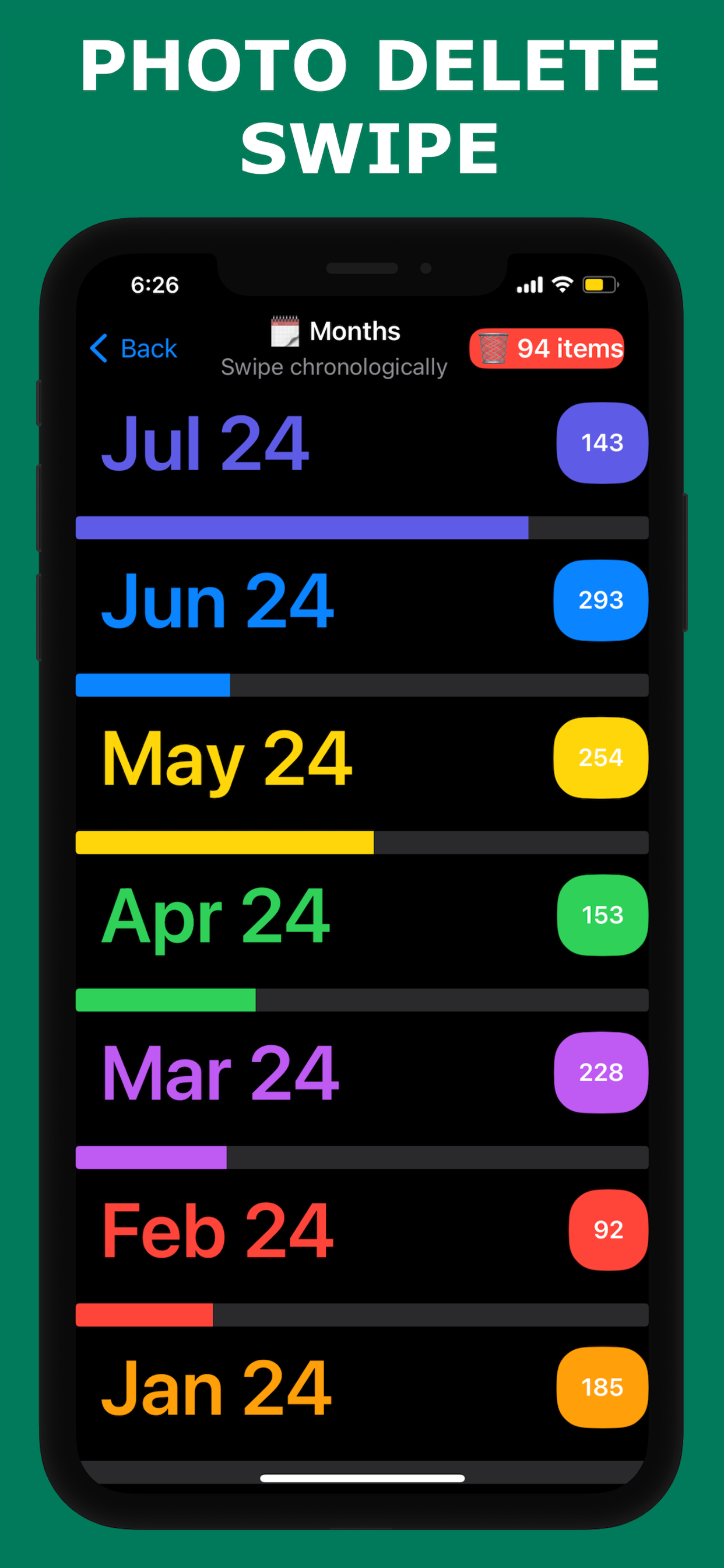
Tinder-style interface makes cleanup fast and intuitive.
100% Private
Everything happens on-device. No photos are uploaded anywhere.
Lightning Fast
Full library scan in 1-3 minutes. Clean up in under 10 minutes.
Frequently Asked Questions
iOS 17 requires approximately 3-5GB of free space for installation. After install, the OS uses about 7-12GB.
Yes, PX Cleaner is fully compatible with iOS 17 on iPhone 13. It requires iOS 16.1 or later.
See PX Cleaner in Action