Halloween Photo Cleanup 2026
Halloween Photo Cleanup 2026. Prepare your iPhone for the season with a quick storage cleanup using PX Cleaner.
Seasonal events are prime time for taking hundreds of photos and videos. A quick storage cleanup beforehand ensures you never miss a shot because of a "Storage Full" error.
Pre-Event Cleanup Checklist
Check Available Storage
Go to Settings > General > iPhone Storage. You want at least 5-10GB free for photos and videos.
Run PX Cleaner Scan
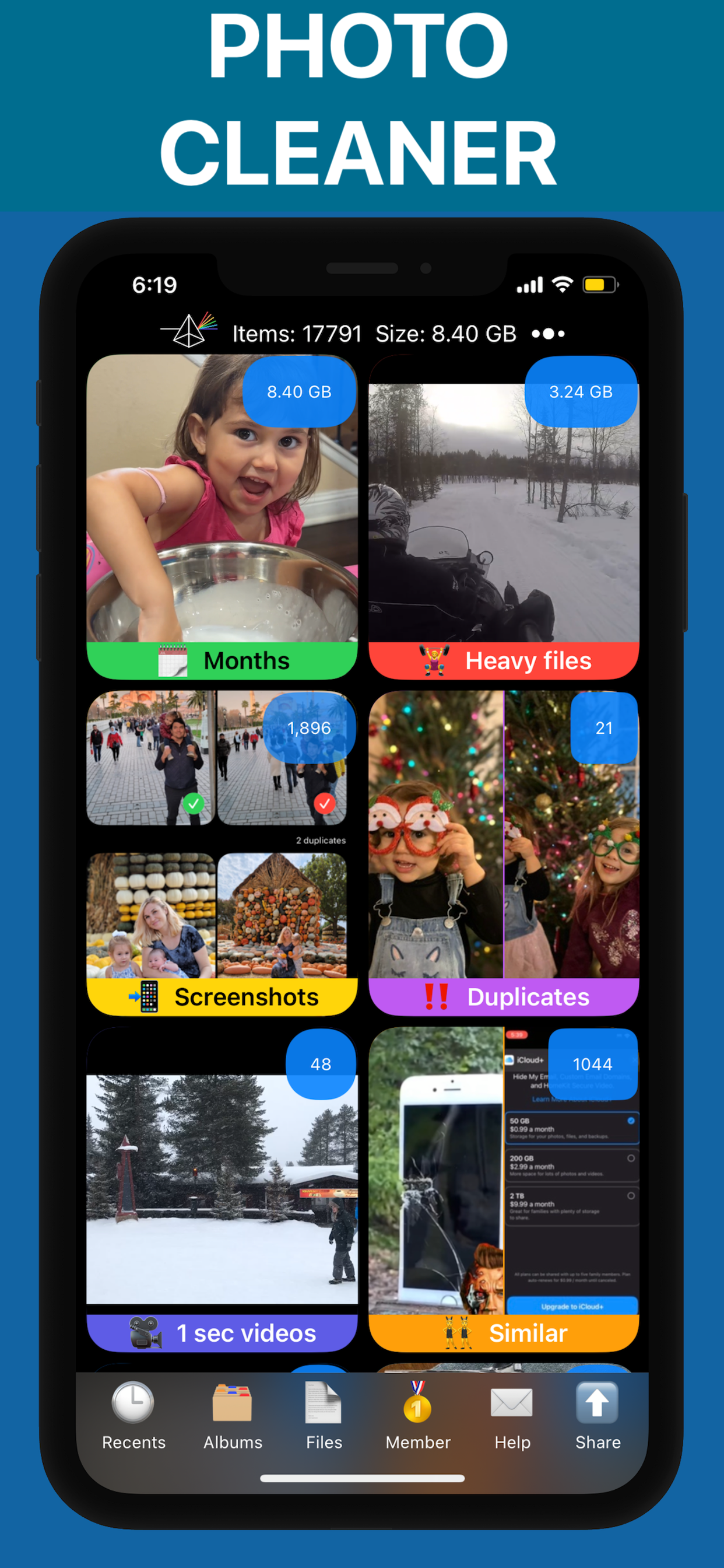
Let PX Cleaner's AI find duplicates, blurry photos, and old screenshots you can safely remove.
Clean App Caches
Clear caches from social media apps — they often hold 1-5GB of unnecessary data.
Empty Recently Deleted
Make sure the Recently Deleted album is empty so that space is actually available.
Optimize Camera Settings
Switch to High Efficiency photo format to save 30-50% space on new photos.
Why PX Cleaner for your device?
AI-Powered
Machine learning detects duplicates, blurry photos, and similar shots automatically.
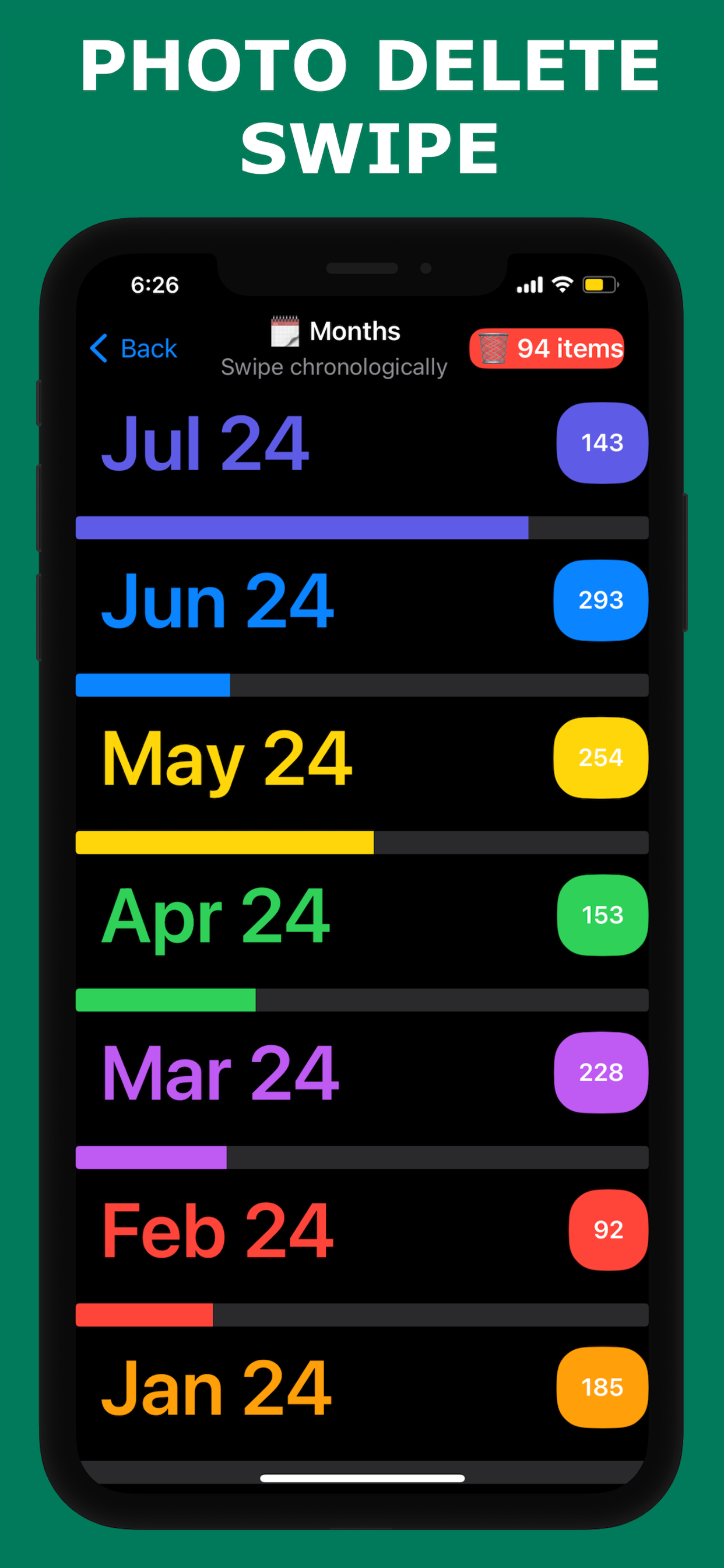
Swipe to Clean
Tinder-style interface makes cleanup fast and intuitive.
100% Private
Everything happens on-device. No photos are uploaded anywhere.
Lightning Fast
Full library scan in 1-3 minutes. Clean up in under 10 minutes.
Frequently Asked Questions
Plan for 1-3GB for a typical event (100-300 photos and a few videos). Major events like weddings or vacations may need 5-10GB.
PX Cleaner can do a quick cleanup in under 5 minutes, even on the spot. Delete obvious duplicates and blurry shots to make room.
See PX Cleaner in Action